
From order to payment. Connected.
Sales, warehouse, delivery and collections in one system for consumer goods distributors in Peru.
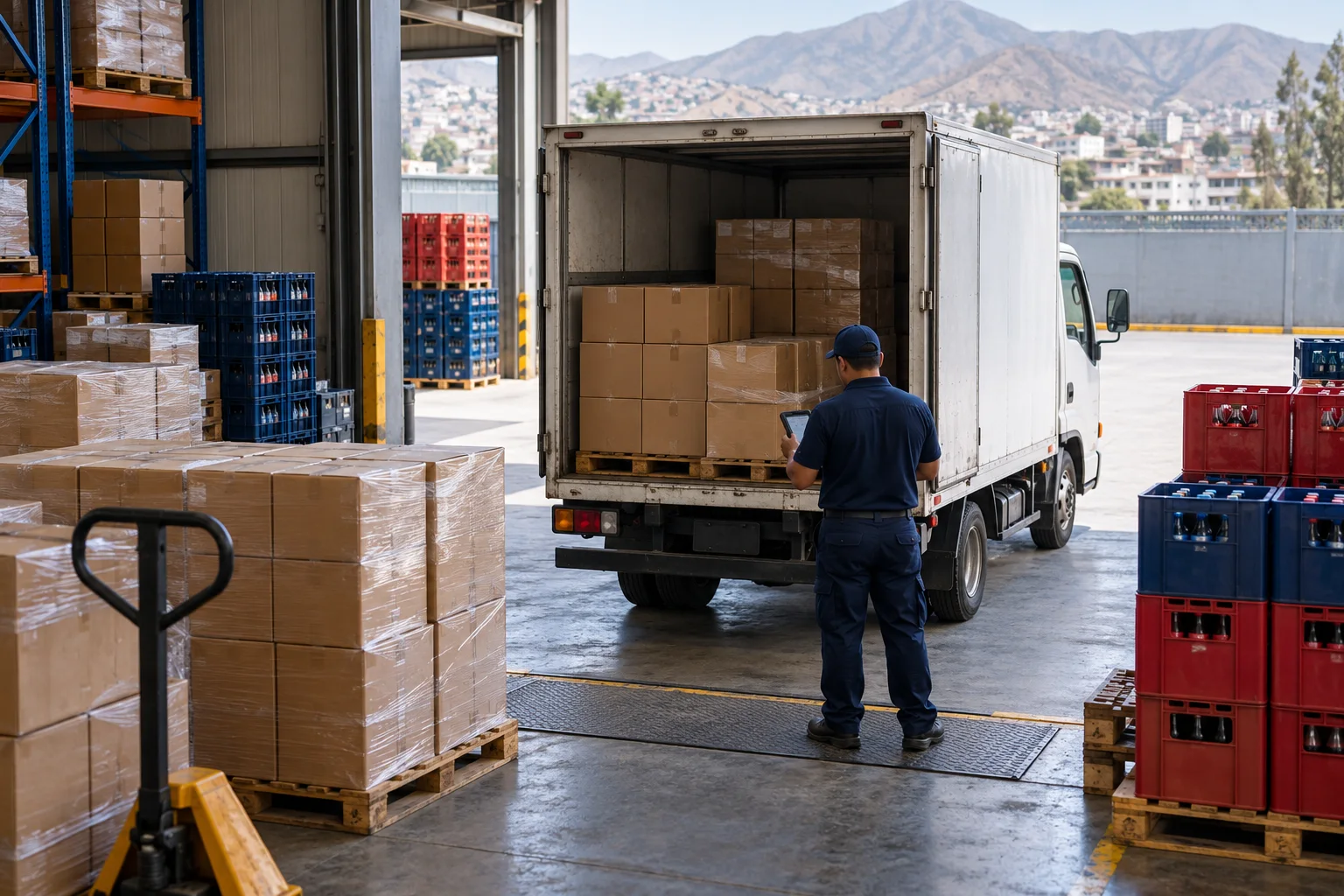
- 01Presales and sales
- 02Inventory and warehouse
- 03Dispatch and delivery
- 04Collections and cash
One order. The whole journey.
Explore how your team’s work connects, from the sales visit to collection.
Every sale starts with context.
Customers, catalog, price lists and commercial terms support order taking.
- Customer orders and quotations
- Promotions and bonus items
- Sales target tracking
A recorded order to continue with invoicing and dispatch.
Beyond issuing an invoice.
A distributor’s teams need shared information. DMS brings their operational tools together.
Sales management
Orders, pricing, promotions and targets, with an Android presales app that works offline.
Purchasing and inventory
Purchases, warehouse stock, transfers and an inventory ledger to follow goods.
Delivery
Dispatches, route sheets, electronic waybills (GRE), deliveries and returns.
Invoicing and collections
Electronic invoices, receipts and notes, IGV perception and receivables in one place.
Loaned assets
Track equipment loaned to customers: handovers, returns and incidents.
Business intelligence
OLAP queries, dashboards and comparisons to explore sales and purchases.
Fewer files between teams.
If you coordinate operations through separate spreadsheets, these are the connections to explore in a demo.
| Everyday work | Separate spreadsheets | With BitCorp DMS |
|---|---|---|
| Order to dispatch | Re-enter information between teams. | Follow orders, documents and route sheets in one system. |
| Inventory | Consolidate incoming and outgoing goods across files. | Review warehouse movements and inventory ledgers. |
| Collections | Cross-check sales and payments to find balances. | Review customer receivables and collections. |
| Analysis | Prepare a new spreadsheet for each question. | Explore sales and purchasing dimensions in the OLAP cube. |
Start the demo with your operation.
Choose what you want to review. We’ll add your priorities to the request message; you don’t need to upload business data.
Before you get started.
Consumer goods distributors and wholesalers coordinating sales, inventory, delivery and collections. In the demo, we review your operation and which workflows fit your needs.
DMS is in development. Join the waitlist.
Email us at [email protected] or fill in the form. We’ll let you know when the first demos open and review the scope you need together.
[email protected]